> For the complete documentation index, see [llms.txt](https://x1000.gitbook.io/x1000-docs/llms.txt). Markdown versions of documentation pages are available by appending `.md` to page URLs; this page is available as [Markdown](https://x1000.gitbook.io/x1000-docs/introduction-into-x1000-use/how-do-i-top-up-my-personal-account-balance.md).
# How do I top up my personal account balance?
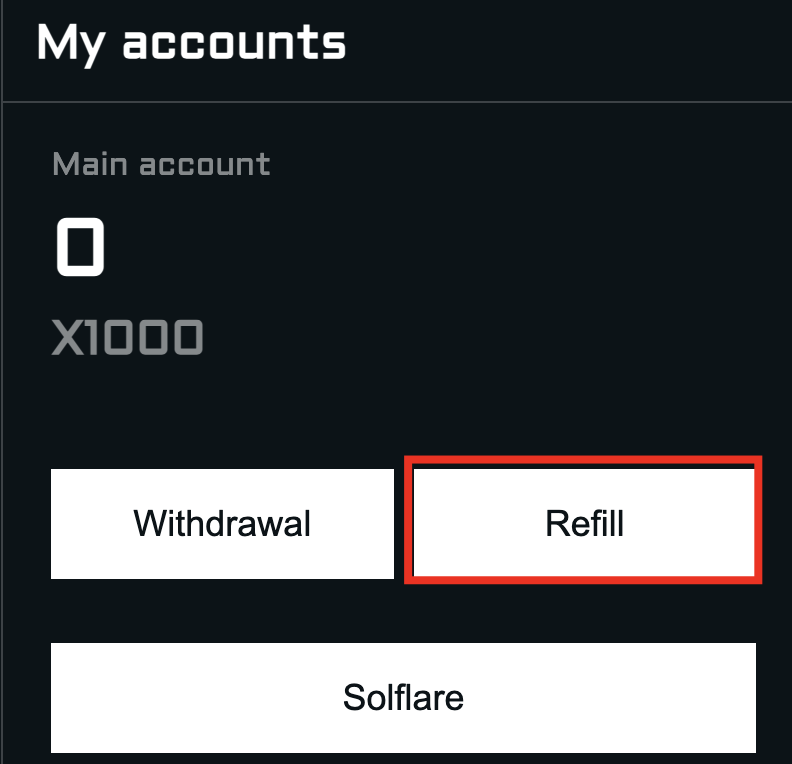
In your personal account, click on the button: "**My Accounts**"
You can connect your Solflare wallet and your X1000 token balance will be displayed automatically in your personal account. However, this connection is solely for WEB3.0 Staking.
If you want to use your products, you need to top-up your account balance via depositing X1000 token, which will be used as a payment solution.
Press the button: "**Refill"**
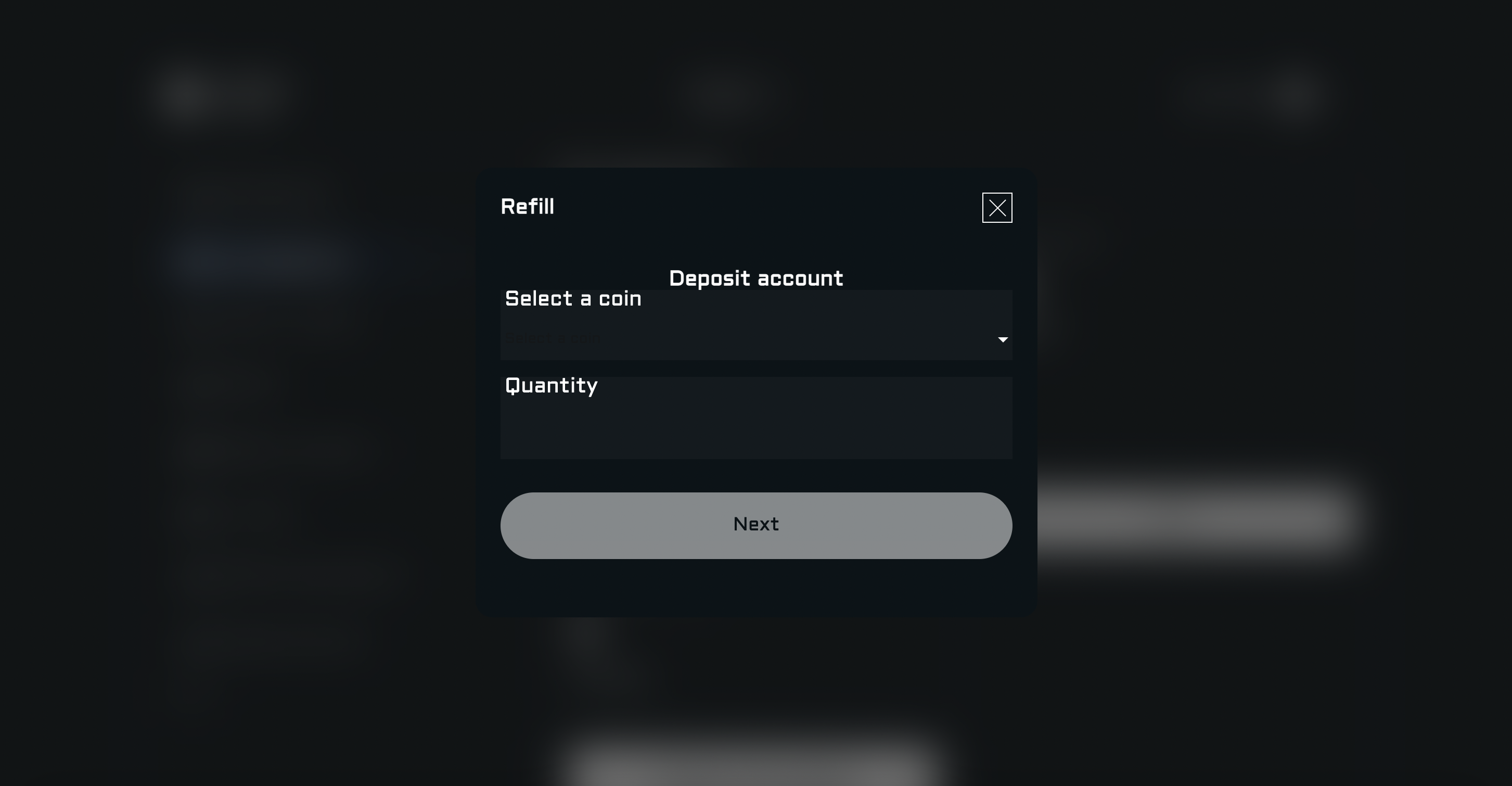
Select a coin from the list. We recommend to use X1000, since it provides discounts for on-chain tools and an only payment method for purchasing subscription for our AI chatbot.
Next, you need to select the blockchain, which is currently the only one available - "**Solana**" and the quantity of tokens.
\
All that remains is to send the required number of $X1000 tokens to the address you have provided and then click on "Send".